
 16 July 2026
 Share
Share
1
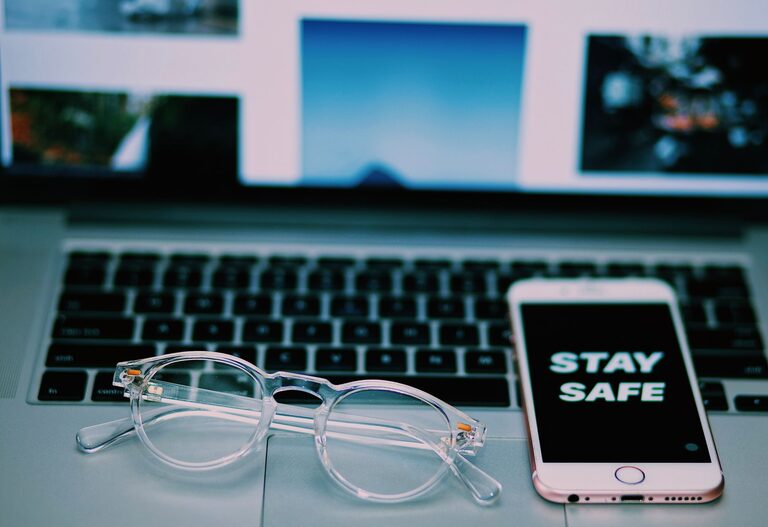
Keeping your phone and keyboard clean is essential for hygiene and device longevity. These everyday gadgets accumulate dirt, dust, oils, and germs from our hands and surroundings. However, cleaning them requires care to avoid damage, especially since electronics are sensitive to moisture and harsh chemicals. This guide offers simple, safe steps to clean your phone and keyboard effectively.
Our phones and keyboards are frequently touched surfaces. Studies show they can harbor more bacteria than some household items. Regular cleaning:
– Reduces germs and potential illness spread
– Removes dust and debris that impair function
– Maintains appearance and extends device life
Before you start, gather these supplies:
– Microfiber cloths (lint-free and soft)
– Isopropyl alcohol (70% concentration or less)
– Distilled water
– Cotton swabs or soft-bristled brush
– Compressed air canister (optional)
– Mild dish soap (optional for keyboards)
– Toothpick or plastic scraper (optional)
Avoid harsh chemicals like bleach or ammonia, and never spray liquids directly onto devices.
—
# How to Clean Your Phone Safely
Phones are compact and delicate, with touchscreens and various ports. Here’s how to keep yours clean without damage.
Turn off your phone and disconnect any accessories. This prevents accidental damage while cleaning.
Remove your phone case, screen protector, and any other accessories. Clean them separately with soap and water if applicable.
Dampen a microfiber cloth lightly with a mixture of 70% isopropyl alcohol and water (1:1 ratio). Wring out excess liquid thoroughly. Gently wipe the screen and the phone’s body to remove fingerprints, oils, and germs.
Avoid pressing too hard or allowing moisture near openings like speakers, charging ports, or microphones.
Use a dry cotton swab or a soft brush to clean around buttons, ports, and speaker grills. If dust is stubborn, a can of compressed air can blow it out gently. Hold the can upright and avoid shaking it.
Let your phone air dry for a few minutes before putting the case or accessories back on. Never use heat sources like hairdryers which can damage your device.
—
# How to Clean Your Keyboard Safely
Keyboards collect dust, crumbs, and oils from hands. Cleaning them regularly keeps keys responsive and hygienic.
For wired keyboards, unplug them. For wireless keyboards, turn them off or remove batteries to avoid accidental key presses.
Gently turn the keyboard upside down and shake it to dislodge loose crumbs and debris. This helps remove particles trapped between keys.
Spray compressed air in short bursts between the keys to remove dust and dirt. Hold the keyboard at an angle so debris falls out instead of getting pushed further inside.
Dampen a microfiber cloth with a mild soapy water solution (mix a few drops of dish soap in water). Wring out excess moisture. Wipe the keyboard’s surface and keys gently.
For stubborn grime around the keys, a cotton swab or soft brush dipped in the soapy water can help. Make sure to wring out all liquid before use.
Allow the keyboard to air dry completely before reconnecting or turning it back on. Avoid using too much liquid, as moisture inside can cause damage.
If your keyboard allows, you can carefully remove keycaps with a keycap puller or gently prying them off. Soak the caps in a bowl of warm, soapy water for 15-30 minutes, then rinse and dry. Clean the keyboard base with a dry cloth and compressed air. Reattach keys only after everything is dry.
—
# Tips for Regular Maintenance
– Clean your phone and keyboard once a week or more if used heavily.
– Wash your hands before using devices to reduce oil and dirt transfer.
– Use screen protectors and keyboard covers to reduce buildup.
– Avoid eating near your keyboard to minimize crumbs.
– Store devices in clean areas away from dust and moisture.
—
Cleaning your phone and keyboard doesn’t have to be complicated. With a few simple tools and gentle care, you can keep them looking good and working well while helping to maintain a healthier environment. Regular maintenance pays off in long-term device performance and hygiene.
