
 16 July 2026
 Share
Share
1
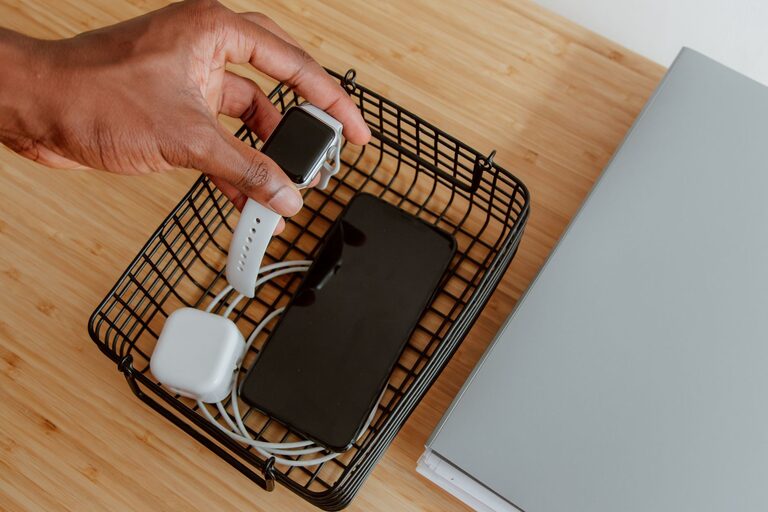
Setting up a dedicated charging station for your devices can simplify daily routines, reduce clutter, and ensure your gadgets are always ready to use. Whether you have smartphones, tablets, laptops, or other rechargeable devices, a well-organized charging area makes a big difference in your home or workspace.
In this post, we’ll guide you through the steps to create an efficient charging station that suits your needs. From choosing the right spot and equipment to cable management tips, here’s everything you need to know.
Having multiple devices means multiple chargers and cables, which can quickly become tangled and messy. A charging station helps:
– Keep all devices in one place
– Prevent lost or misplaced chargers
– Reduce clutter and tangled cords
– Improve safety by minimizing electrical hazards
– Save time by having everything ready and charged
Start by selecting a convenient location for your charging station. Consider:
– Accessibility: Pick a spot where family members or coworkers can easily reach.
– Power outlets: Ensure there are enough sockets nearby or use a surge protector with multiple ports.
– Space: Choose a flat surface like a desk, kitchen counter, or shelf with room for all devices.
– Ventilation: Avoid enclosed or overheated areas to keep devices cool while charging.
Popular locations include near the front door, in the living room, home office, or bedroom.
To build an efficient charging station, you’ll need:
– Multi-port USB charger or charging hub: These allow you to charge several devices from one outlet.
– Charging cables: Make sure you have the right types (USB-C, Lightning, Micro-USB) for your devices.
– Cable organizers: Clips, ties, or sleeves help keep cords neat.
– Power strip or surge protector: Protect your devices from power spikes.
– Charging dock or stand (optional): Holds devices upright and accessible.
– Labels (optional): Identify cables and ports for easy use.
Arrange your devices by type and usage. For example:
– Everyday essentials like smartphones and smartwatches in front.
– Tablets and e-readers in a stand or shelf behind.
– Other electronics like wireless earbuds, cameras, or game controllers grouped together.
Grouping devices helps you find and charge them quickly.
Cable management is key to keeping your charging station tidy and safe.
– Use cable clips or adhesive mounts to secure cords along the edge of your surface.
– Bundle excess cable length with velcro straps or twist ties.
– Label cables if multiple people use the station.
– Consider a cable box to hide power strips and cable knots.
– Avoid crossing cables to prevent tangling.
Proper cable management not only looks better but also reduces the risk of damage.
If the station is shared, establish simple charging guidelines such as:
– How long devices should stay connected
– Priority charging for essential devices
– Keeping the area clean and free from food and liquids
Clear rules help everyone use the station responsibly.
Regular maintenance keeps the charging area efficient:
– Check cables and chargers for wear or damage.
– Clean dust and debris from ports and surfaces.
– Remove devices that are fully charged to free up space.
– Update charging equipment when needed.
– Use wireless chargers: For compatible devices, wireless charging pads reduce cable clutter.
– Add a small basket or drawer: Store extra cables, adapters, or portable chargers.
– Incorporate lighting: A small LED lamp can help you charge devices in low light.
– Personalize the area: Use decorative trays or mats to match your room’s style.
Creating a charging station is a straightforward project that boosts convenience and organization. By choosing a good location, gathering the right equipment, managing cables, and maintaining the area, you can keep all your devices powered up and ready to go.
With just a little time and effort, your charging station will become a central hub that streamlines your daily tech use and reduces clutter in your home or office. Give it a try and enjoy a tidier, more efficient space!
